Collaboration
You might not want to work on the event all by yourself. Let other users help you by inviting them to the event.
Collaboration tab
The Collaboration tab is where you manage edit access to the event.
Invite user
Add a user to your event
- Make sure the user has an account in localevent
- Write their email in the invite collaborator input field
- Press Invite
Invite expiration
The invite is valid in 7 days If the event has expired you can send a new invite
- Press the 3 dots on the right
- Press resend invite
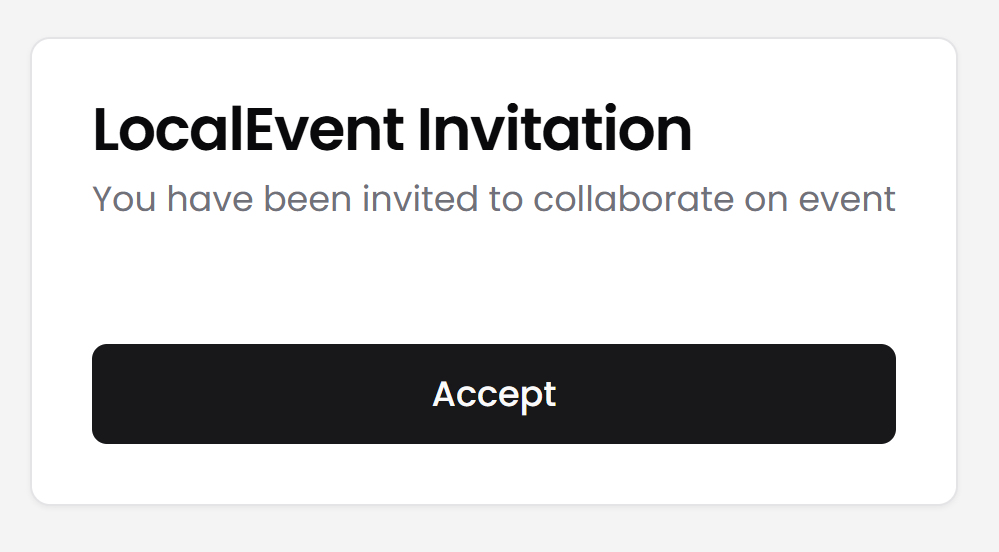
Accept invitation
- Open your mail application
- Press the Accept invite link
- Press the Accept button
Transfer ownership
You can transfer ownership of an event to another user.
- Make sure the user has accepted the invite to the event
- Press the 3 dots on the right
- Press Transfer ownership
- This person is now the new owner of this event
Permissions
Owner
- Purchase the event
- Delete the event
- Invite other users to the event
- Remove other users from the event